
AI App Development Blog
Learn how to build amazing applications with AI, discover no-code development techniques, and stay updated with the latest in AI-powered app creation.
Featured Articles
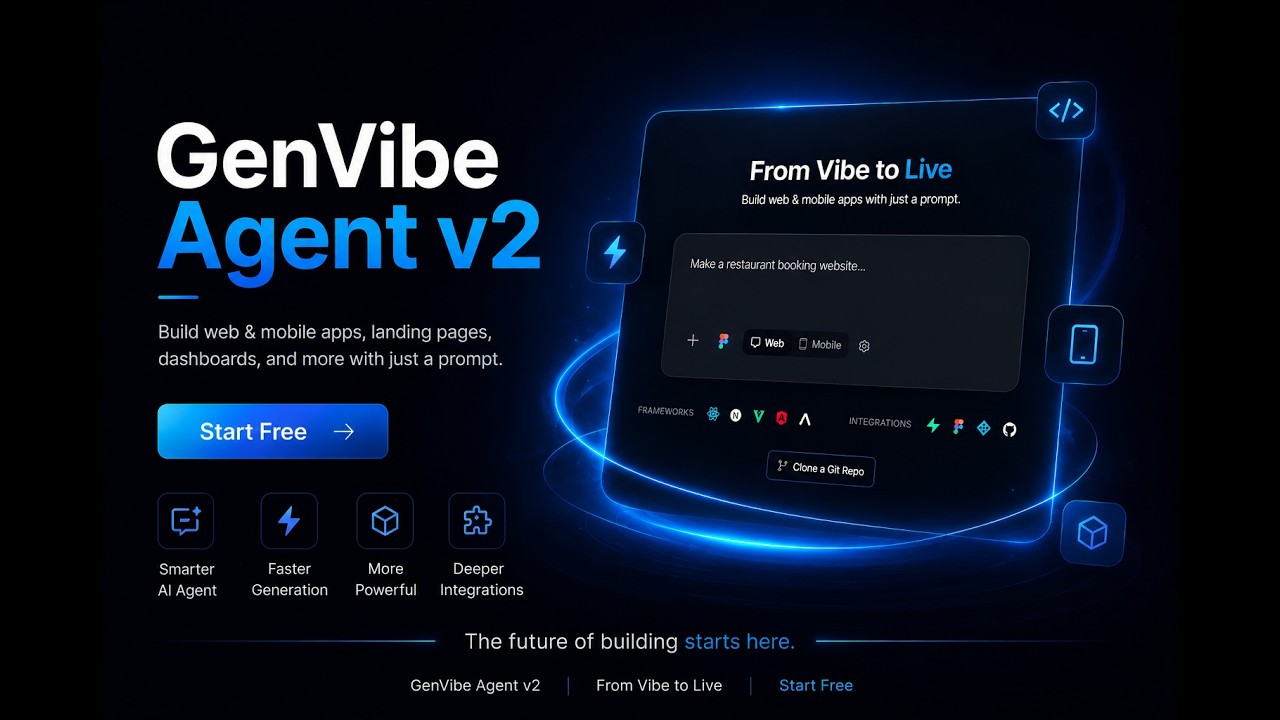
Introducing GenVibe Agent v2
Watch the 90-second overview — turn a Figma design, screenshot, or prompt into a real, live app. Build, edit visually, connect a database, and publish.

Figma to React Native: Turn a Design Into an Expo App (2026 Tutorial)
Step by step: prepare your Figma file, import the screens, describe how the app works, and test it on your phone with Expo Go.

Best React Native App Builders in 2026 (AI, Expo, Code You Own)
Nine AI builders that turn a prompt into a real React Native (Expo) app, compared on price, free plans, code ownership and the path to the App Store.

Firebase Studio Is Shutting Down: What to Do Before March 2027
The shutdown timeline, what keeps working, how to export your code, and where to keep building before Firebase Studio closes.

Emergent Pricing (2026): Is Emergent Free? Plans, Credits and Real Costs
Every Emergent plan explained: what the 10 free credits get you, what Standard and Pro include, what it costs to put an app live, and a cheaper option.

Best AI App Builders in 2026 (Honestly Compared)
Lovable, Bolt.new, v0, Replit, Base44, and GenVibe compared on price, mobile support, Figma import, and which one fits your use case.

Cheapest AI App Builder in 2026 (Pricing Compared)
Verified October 2026 prices for every major AI app builder, web and mobile: which offers the best value, and the hidden costs to check.

Figma to React: How to Convert a Design to React Code (2026)
Six ways to turn a Figma design into React code in 2026: AI app builders, Figma Make, Figma's MCP server with Cursor or Claude Code, plugins, or by hand, and which one fits.

Lovable vs Bolt.new: Which Should You Use in 2026?
Compared on price, code quality, mobile support, Figma import and exports — plus where a cheaper third option beats both.
All Articles

How to Cancel Your Base44 Subscription (2026)
The steps on the web and for plans bought on iPhone or Android, what happens to your apps and credits, refunds, and what to save first.

How to Export Your Code from Base44 (2026)
The ZIP download and GitHub sync on Builder, what the export leaves out, how to save your data, and why it still needs Base44 to run.

How to Connect a Custom Domain to Base44 (2026)
The plan you need, the exact DNS records, the free domain on yearly plans, and fixes when the domain won’t verify.

How to Remove the “Edit with Base44” Badge
The toggle that hides it, the plan you need, why it lets visitors copy your app, and why it comes back.

How to Cancel Your Bolt.new Subscription (2026)
The four steps, what happens to your tokens, site and domain, why there’s no refund, and the new Link.com*Bolt.new charge.

How to Export Your Code from Bolt.new (2026)
The ZIP download, GitHub sync, what happens to your database, and how a Bolt mobile app gets to the stores.

How to Cancel Your Replit Subscription (2026)
Core and Pro, what happens to your published apps and domains, the one-month pause, refunds and charges after cancelling.

How to Cancel Your Emergent Subscription (2026)
The steps, what happens to your credits and published apps, and how to claim a refund for unused credits.

Base44 vs Bolt.new (2026)
Price, free plans, the built-in backend, code export and mobile apps compared.

Rork vs Replit (2026): Which Is Better for Mobile Apps?
Native Swift and Kotlin against one Expo codebase: price, free plans, App Store and Google Play.

Como criar um aplicativo com IA (comece grátis)
Passo a passo com prints reais: descrevemos uma loja de açaí fictícia em português e o app ficou pronto em cerca de 7 minutos.

Como criar um app sem programar: do zero ao celular
Os 3 caminhos sem código, o passo a passo até o APK no celular dos clientes e quanto custa.

Como publicar um app na Play Store: passo a passo e custos
Conta de desenvolvedor de US$ 25, arquivo AAB, página da loja, regra dos 12 testadores e prazos.

Website Kaise Banaye Free Me: AI से अपनी वेबसाइट बनाएं
Hindi में लिखकर AI से website बनाएं और genvibe.app के free link पर live करें: असली screenshots और खर्च।

Business Ka App Kaise Banaye: दुकान, सैलून और टिफ़िन के लिए
Web app या मोबाइल ऐप, WhatsApp पर orders, Razorpay से UPI payment और Google Play: Hindi गाइड।

Play Store Par App Kaise Dale: पूरा तरीका, खर्च और नियम
$25 का developer account, AAB, store listing, 12 testers वाला नियम और review का समय: Hindi गाइड।

App Kaise Banaye: बिना कोडिंग के मोबाइल ऐप कैसे बनाएं
AI से मोबाइल ऐप बनाने की Hindi गाइड: फ़ोन पर चलाएं, Android ऐप बनाएं और Google Play पर डालें।

Best Shopify Mobile App Builders in 2026: Prices Compared
Nine Shopify mobile app builders compared on monthly price, free trials, ratings, App Store publishing and push notifications.

What’s New in GenVibe: October 2026
Six things since September: publish to Google Play from the chat, Shopify stores as apps, Stripe and Razorpay with no server code, skills, an Auto model and app icons.

How to Cancel Your Lovable Subscription (2026)
The three steps, what happens to your credits, domain and published app, refunds, and what to save before you go.

How to Export Your Code from Lovable (2026)
Git sync on any plan, the ZIP download on paid plans, what the export leaves out, and how to run it elsewhere.

How to Remove the “Edit with Lovable” Badge
The setting that hides it, which plans have it, and why the badge comes back after a downgrade.

How to Connect a Custom Domain to Lovable (2026)
The plan you need, the setup steps, the exact DNS records, how www works, and fixes when the domain stays offline.

Base44 vs Lovable (2026): Which AI App Builder Should You Use?
Compared on price, credits, the built-in backend, code export and mobile apps, with a clear pick for each kind of project.

Lovable vs Replit (2026): Which AI App Builder Should You Use?
Compared on price, how credits are counted, mobile apps, code access and how technical each one feels.

Bolt vs Replit (2026): Bolt.new or Replit Agent?
Compared on price, tokens and credits, mobile apps, publishing and how far each one scales.

Lovable vs v0 (2026): Which AI App Builder Should You Use?
Compared on price per person and per team, how credits are spent, code and hosting.

Base44 Review 2026: Pros, Cons, Pricing and Is It Worth It?
Who Base44 suits and who should skip it: pros and cons, credits, web-view mobile apps, code export, refunds, user ratings and alternatives.

How to Publish an App on Google Play (2026): Step by Step
Every step from a $25 developer account to a live Play Store listing, including the 12-tester rule that catches most first-time publishers.

Figma Make Pricing (2026): Is Figma Make Free? AI Credits and Plans
What Figma Make costs on each plan: the free Starter credits, Full seat prices, what a credit buys, rollover rules and a cheaper option.

Lovable Pricing (2026): Is Lovable Free? Plans, Credits and Real Costs
Every Lovable plan explained: the free plan’s 5 credits a day, Pro and Business credit tiers, what a credit buys, rollover rules and a cheaper option.

Bolt.new Pricing (2026): Is Bolt Free? Plans, Tokens and Real Costs
Every Bolt.new plan explained: the free plan’s 1M tokens, Pro and Teams, why the same prompt costs more tokens as a project grows, and a cheaper option.

Replit Pricing (2026): Is Replit Free? Core, Pro and Real Costs
Every Replit plan explained: what Starter gives you free, what Core’s $20 of credits covers, how Agent’s effort-based pricing works, and hosting costs.

v0 Pricing (2026): Is v0 by Vercel Free? Plans, Credits and Tokens
Every v0 plan explained: the free plan’s 7 messages a day, Plus and Business per-user prices, token rates per model, and a cheaper option for complete apps.

Base44 Pricing (2026): Is Base44 Free? Plans, Credits and Real Costs
Every Base44 plan explained: monthly vs yearly prices, what a credit costs, what a live app costs to run, refunds and how to cancel.

Lovable vs Emergent (2026): Which AI App Builder Should You Use?
Compared on price, credits, mobile apps, the cost of publishing and code ownership, with a clear pick for each kind of project.

Rork Pricing (2026): Plans, Credits and What You Actually Pay
Every Rork plan explained: what the free plan can and can’t do, what a credit buys, the extra costs, and a cheaper React Native option.

What Is Vibe Coding? A Beginner’s Guide (2026)
Vibe coding means describing what you want in plain language and letting AI write the code. What it is, how it works, the best tools, and how to build your first app.

The Cheapest Way to Build an App in 2026
Agency, freelancer, no-code or AI builder: what each route really costs, with sourced prices and the store fees every route pays.

Best v0.dev Alternatives in 2026 (Free and Paid)
v0 builds full web apps now, but it is web only and $30 per user. Seven alternatives, ranked by what each does better.

Screenshot to App: Step-by-Step Tutorial
Turn any UI screenshot into working React or React Native code in under five minutes. Prompts, tips, common pitfalls.

The Best Free AI App Builders in 2026 (Honest Roundup)
Genuinely free AI app builders — not trials. Every major tool ranked by what you can actually ship without paying.

How to Build a React Native App from a Text Prompt
End-to-end guide to going from one sentence to an iOS + Android app on the App Store using AI and Expo.

How to Build Apps with AI: Complete Beginner's Guide
Learn step-by-step how to create professional applications using artificial intelligence. No coding experience required.

No-Code vs Traditional Development: Which is Right for You?
Compare no-code platforms with traditional programming to make the best choice for your project.

AI App Builders for Startups: Rapid MVP Development
How startups can use AI-powered tools to build and validate their ideas quickly and cost-effectively.

AI-Powered Web Development: From Idea to Production
Complete guide to building responsive web applications using AI development tools.
Stay Updated
Get the latest AI development tips, tutorials, and product updates delivered straight to your inbox.
Start Building with GenVibe