
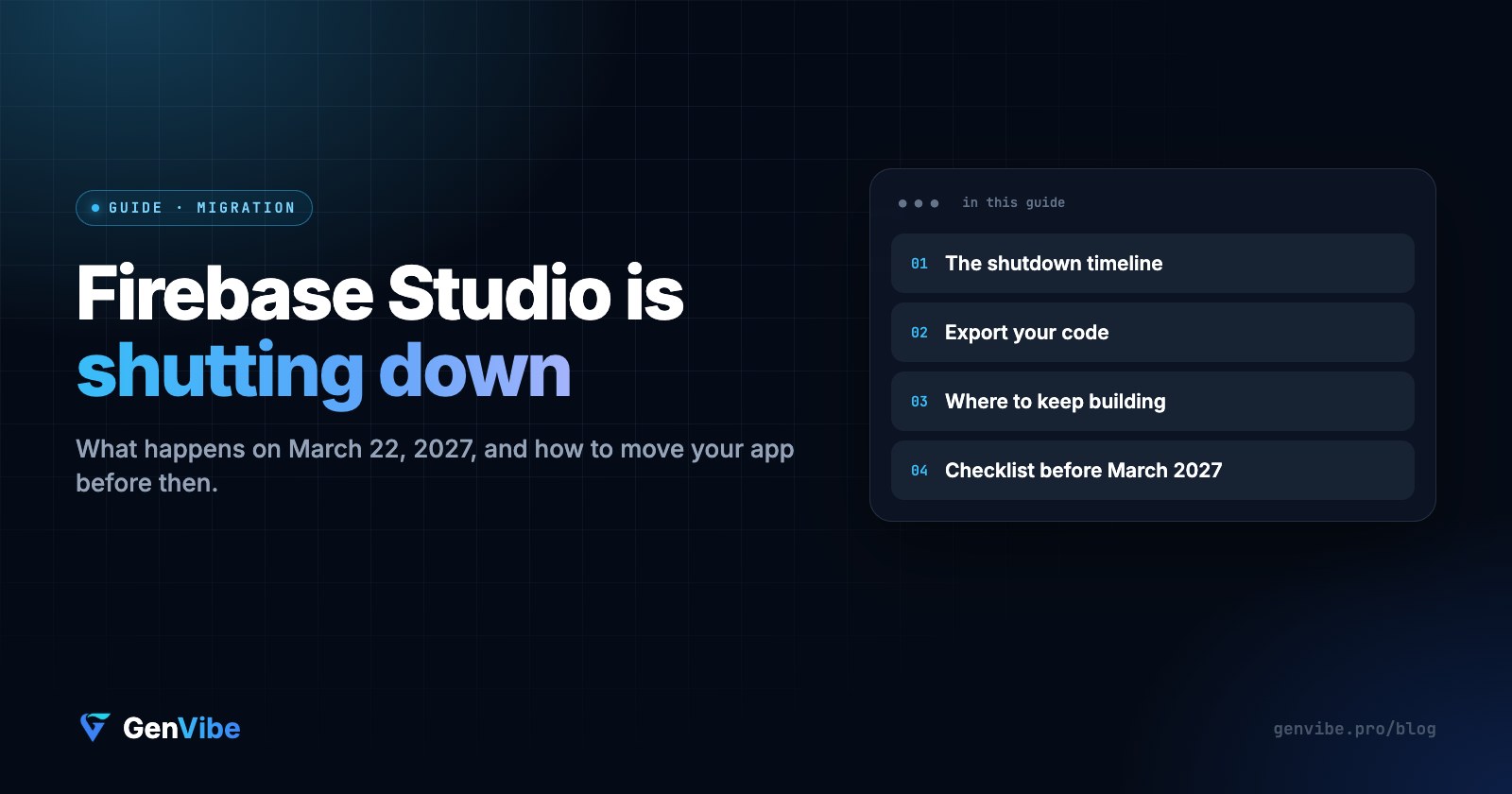
The short answer: yes, Firebase Studio is shutting down. Google stopped new sign-ups and new workspaces on June 22, 2026, and on March 22, 2027 Firebase Studio closes and everything still in it is permanently deleted. Your Firebase backend (Firestore, Authentication, App Hosting) is not affected, and apps you already deployed keep running. What you need to do is get your code out and pick where to keep building.
The Firebase Studio shutdown timeline
| Date | What happens |
|---|---|
| March 19, 2026 | Sunset announced; migration tools start rolling out |
| June 22, 2026 | New workspaces and new sign-ups disabled; existing workspaces still work |
| March 22, 2027 | Firebase Studio shuts down and all remaining data is permanently deleted |
Google is folding its AI app-building work into two newer products: Google AI Studio and Antigravity.
What keeps working, and what doesn't
- Keeps working: Cloud Firestore, Authentication, App Hosting and your other Firebase services. Your databases and user data are untouched, and deployed apps stay live.
- Goes away: the Firebase Studio editor itself, its AI agent, and any code that only lives in a workspace. That is the part you must move.
Step 1: export your code (4 ways)
- Move now: click Move now at the top of your workspace and pick Google AI Studio or Antigravity as the destination.
- Zip and download: Move now → Zip and Download gives you the whole project as a file. Do this even if you move with option 1, so you have your own copy.
- Firebase CLI: run
npx firebase-tools@latest studio:export PATHto export without using the agent. - GitHub: push the workspace to a GitHub repository. This is the most portable option, because almost every other tool can import from GitHub.
Using App Hosting? To keep your app at the same URL after you move, Google advises choosing Link to an existing backend and selecting the backend named studio when you set up the Firebase CLI.
Step 2: choose where to keep building
Google recommends two destinations:
- Google AI Studio: web-based, and the closest match if you used Firebase Studio's App Prototyping agent to go from a prompt to an app.
- Antigravity: an agent-first desktop environment, better if you worked mostly in Code View or started from templates and want more control.
Other Firebase Studio alternatives worth a look:
- GenVibe: an AI builder for web and mobile. Push your exported project to GitHub, then use Clone a Git Repo in GenVibe: it installs the dependencies, runs a live preview, and you keep building by chatting. Your Firebase services keep working because they are not part of the shutdown. It also builds React Native apps, which Firebase Studio never did. Free to start, then $12/month.
- Replit: a cloud IDE with an AI agent, hosting and mobile apps; Core is $20/month.
- Lovable / Bolt.new: prompt-to-app builders for web projects, both with free plans.
- VS Code or Cursor: if you mostly wrote code yourself, a local editor with an AI assistant is the simplest home.
Not sure which one fits? Our Firebase Studio alternative page compares them side by side.
Checklist before March 22, 2027
- List every Firebase Studio workspace you have, including old experiments.
- Export each one (zip and GitHub) before you do anything else.
- Open the export and check that it runs outside Firebase Studio.
- Move your config and secrets: Firebase config, API keys and environment variables.
- If you use App Hosting, link the existing backend so your URL stays the same.
- Pick your new tool and rebuild one small change there to make sure the workflow works.
- Delete nothing in Firebase itself: your database and users stay where they are.
Don't leave it to March: after the shutdown, anything still in Firebase Studio is gone for good. Bring your project to GenVibe free →
Frequently asked questions
Is Firebase Studio shutting down?
Yes. Google announced the sunset on March 19, 2026. New workspaces and sign-ups were disabled on June 22, 2026, and Firebase Studio shuts down on March 22, 2027, when all remaining data is permanently deleted.
Will my Firebase app stop working?
No. Only the Firebase Studio development environment is shutting down. Cloud Firestore, Authentication, App Hosting and your other Firebase services keep running, and apps you already deployed stay live.
How do I export my Firebase Studio project?
Open the workspace and click "Move now", then choose a destination or "Zip and Download". You can also export with the Firebase CLI (npx firebase-tools@latest studio:export PATH) or push the workspace to GitHub.
What is the best Firebase Studio alternative?
Google recommends Google AI Studio (web-based) or Antigravity (a desktop agent IDE). If you want an AI builder that also makes mobile apps, GenVibe imports your project from GitHub and builds web and React Native apps from a prompt, a Figma design or a screenshot.
Can I still create a new Firebase Studio workspace?
No. New workspace creation and new sign-ups have been disabled since June 22, 2026. You can keep working in existing workspaces until the shutdown.
Source: Firebase Studio sunset and project migration (Google), checked October 7, 2026.