
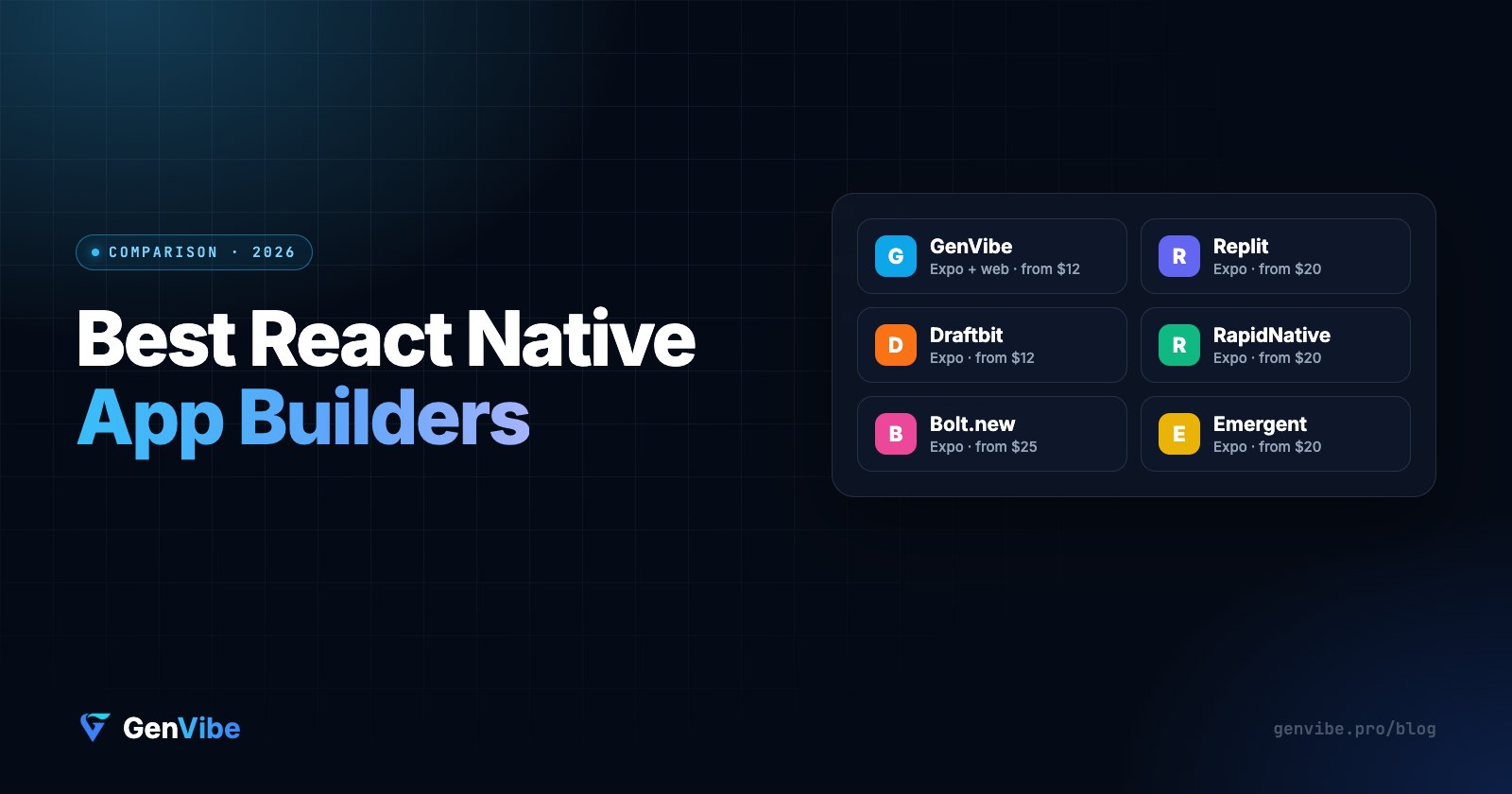
The short answer: GenVibe is the best all-round React Native app builder for most people: it builds Expo apps and web apps from a prompt, a Figma design or a screenshot, you own the code, and it starts at $12/month with a free tier. Replit is the pick if you want App Store submission built in, and Draftbit if you like editing screens visually. One big change this year: Rork no longer builds React Native (more on that below).
Every tool here produces a real React Native project using Expo, so your app runs on both iPhone and Android from one codebase. Prices are from each tool's own pricing page, checked in October 2026.
React Native app builders compared
| Builder | Free plan | Paid from | Code you own | Path to the App Store |
|---|---|---|---|---|
| GenVibe | 20 credits, no card | $12/mo ($9 first month) | Download or push to GitHub | Builds with Expo on your account |
| Replit | Limited free plan | $20/mo Core | Yes | Built-in publishing wizard |
| Draftbit | Yes | $12/mo Standard (AI usage extra) | ZIP on Standard, GitHub on Pro | 1-click publishing on Pro ($24/mo) |
| RapidNative | 20 credits/mo | $20/mo Starter | From Starter | Separate paid deploy service |
| Bolt.new | 1M tokens/mo | $25/mo Pro | Yes | Do it yourself with Expo |
| Emergent | 10 credits | $20/mo Standard | GitHub on paid plans | Guided steps via Expo |
1. GenVibe: best all-round, web and mobile in one place
GenVibe turns a prompt, a Figma design or a screenshot into a working Expo app. You watch the code being written, preview the app in the browser, and scan a QR code to run it on your own phone with Expo Go. The same tool builds web apps, so a product with both a website and a mobile app lives in one place.
- Good: web and mobile from one tool, Figma and screenshot import, a Supabase database and logins, full code (download or push to GitHub), the cheapest paid plan here.
- Store builds: GenVibe queues Android and iOS builds through Expo on your own Expo account, so you keep the signing keys.
- Watch out: the free tier is 20 credits, enough for a couple of builds, so bigger apps need a plan.
Price: free to start, then $12/month for 100 credits (25% off the first month), up to Pro at $99/month. See pricing.
2. Replit: best if you want App Store publishing built in
Replit added native mobile apps in January 2026. Its Agent scaffolds a React Native app with Expo, you preview it in Expo Go, and a publishing wizard handles the TestFlight build and App Store submission without leaving Replit.
- Good: the smoothest path from prompt to App Store, plus a full cloud IDE if you want to edit code yourself.
- Watch out: Replit is a general coding platform, so it is less focused on design import, and heavy Agent use draws down your credits.
Price: Core $20/month ($18 billed annually), Pro $100/month.
3. Draftbit: best for visual editing
Draftbit started as a visual React Native builder and now pairs its editor with AI agents. It exports a standard Expo and TypeScript project, and includes a Supabase backend on every plan.
- Good: edit screens visually and with AI on the same files; clean code export.
- Watch out: GitHub export and 1-click publishing need the Pro plan.
Price: free to start, Standard $12/month, Pro $24/month. These are base plans: the AI work runs on your own Claude or ChatGPT subscription or API key, or on credits you add on top.
4. RapidNative: best for UI-first prototypes
RapidNative focuses on generating React Native screens quickly from chat, and can convert a Lovable project into a mobile app.
- Good: fast UI iteration; you own the Expo code.
- Watch out: code export starts on the paid plan, backend features are light, and store submission is a separate paid service.
Price: free (20 credits/month), Starter $20/month for 50 credits, up to $199/month.
5. Bolt.new: best for quick Expo prototypes
Bolt.new offers an Expo template, so you can prompt a mobile app and preview it in the browser or on your phone with Expo Go.
- Good: fast to start, generous free tokens, familiar if you already use Bolt for web.
- Watch out: Bolt runs in your browser, so building and submitting the app to the stores is a separate step you do with Expo's tools.
Price: free (1M tokens a month, 300K a day), Pro $25/month.
6. Emergent: best for hands-off full-stack builds
Emergent's mobile agent builds an Expo app with a FastAPI backend and a MongoDB database, and runs its own testing agent alongside the build.
- Good: very autonomous; backend included.
- Watch out: a fixed stack you can't swap out, and a tiny free plan. Read our Emergent pricing breakdown for what credits really cost.
Price: Standard $20/month (100 credits), Pro $200/month.
What happened to Rork?
Rork was one of the best-known React Native builders, but it has switched. In its own words: "Rork used to build Expo (React Native) apps. Internal benchmarks showed the agent writes better Swift apps, so we switched." New Rork apps are native Swift for iPhone and Kotlin for Android, which means two separate codebases instead of one. Existing Expo projects keep working, but you can no longer start a new one. See Rork pricing explained for what the new plans cost.
If one shared codebase for iPhone and Android is the reason you chose React Native, pick one of the builders above.
How to choose a React Native app builder
- Can you take the code with you? Look for a standard Expo project you can download or push to GitHub, so you are never locked in.
- Can you test on a real phone? Scanning a QR code with Expo Go should take seconds.
- How do you get to the stores? Built-in publishing, an Expo build on your account, or do it yourself. You will need an Apple Developer account ($99/year) and a Google Play account ($25 once) in every case.
- Do you also need a website? If yes, a builder that does web and mobile saves you a second tool.
- What does the free plan really get you? Try your own app idea before paying.
Want to see it for yourself? Build a React Native app free on GenVibe →
Frequently asked questions
What is the best React Native app builder in 2026?
For most people, GenVibe: it builds React Native (Expo) apps and web apps from a prompt, a Figma design or a screenshot, gives you the full code, and starts at $12/month with a free tier. Replit is the strongest pick if you want App Store submission inside the tool, and Draftbit if you prefer a visual editor.
Is there a free React Native app builder?
Yes. GenVibe (20 free credits, no card), Draftbit, RapidNative, Bolt.new and Emergent all have free plans. They differ in how far the free plan gets you: some free plans cannot export code, and Emergent’s 10 free credits cover only a prompt or two.
Does Rork still build React Native apps?
No. Rork switched to native Swift for iPhone and Kotlin for Android; new projects can no longer be Expo (React Native) apps. Existing Expo projects in Rork keep working. If you want one React Native codebase for iOS and Android, you need a different builder.
Can an AI app builder publish my React Native app to the App Store?
Yes, with an Apple Developer account ($99/year). Replit has a built-in publishing wizard, GenVibe builds through Expo on your own account, Draftbit offers 1-click publishing on its Pro plan, and with Bolt.new you run the Expo build yourself.
Expo or bare React Native: which do AI builders use?
Almost all of them generate Expo projects. Expo is React Native with the build, preview and update tooling included, so you can preview on your phone by scanning a QR code with the Expo Go app and build for the stores without a Mac.
Prices and features checked October 7, 2026 on each vendor's site: Replit, Draftbit, RapidNative, Bolt.new, Emergent and Rork. Prices change; check each site for the latest.